

Ticket Wrap up
Conclude resolved ticket details by agent and set up category and reason by admin in Live chat Setting. Ticket wrap up contain Category, Reason, and Outcome.
Category reason
Section titled “Category reason”Grouping reason into each issue.
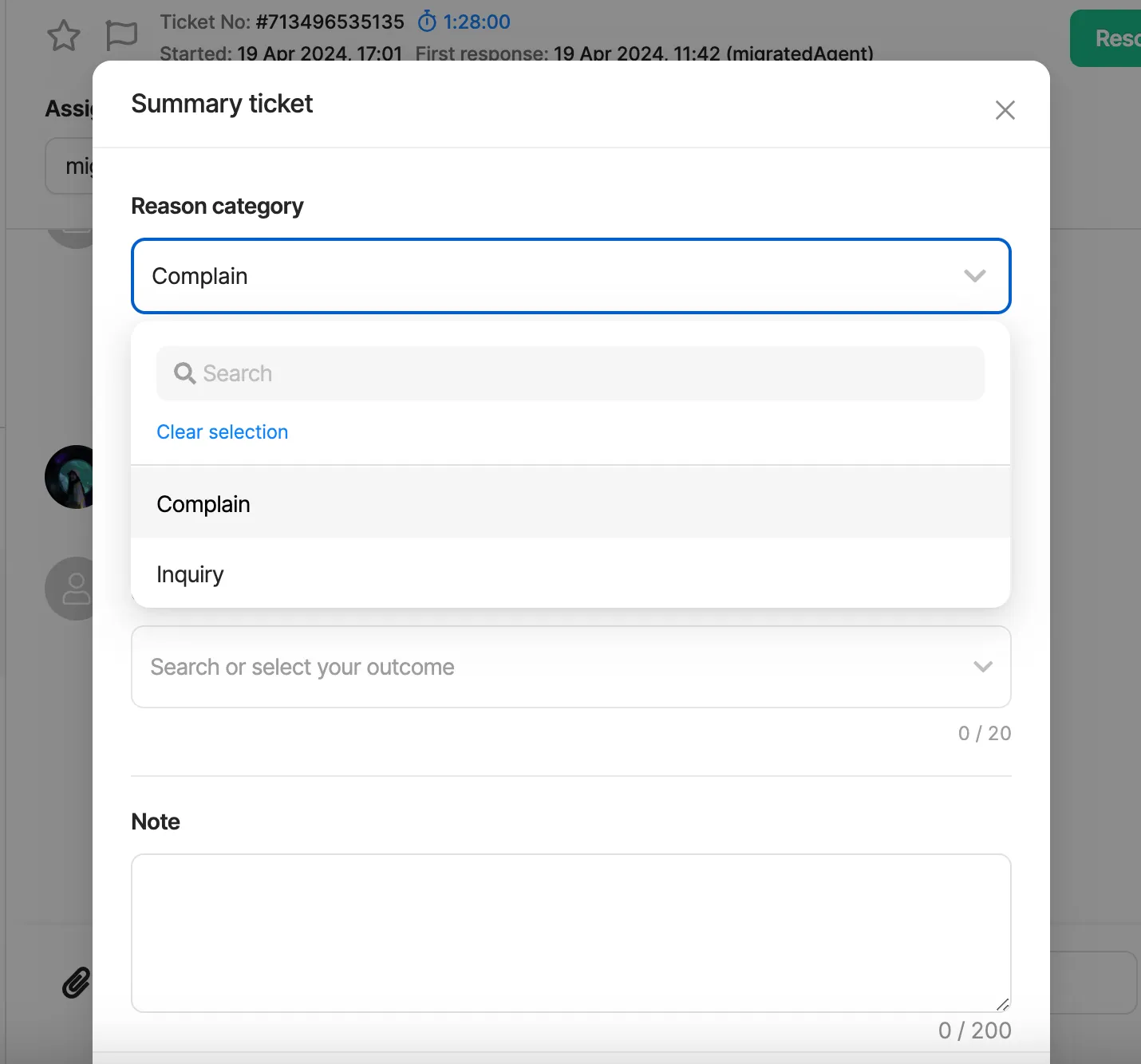
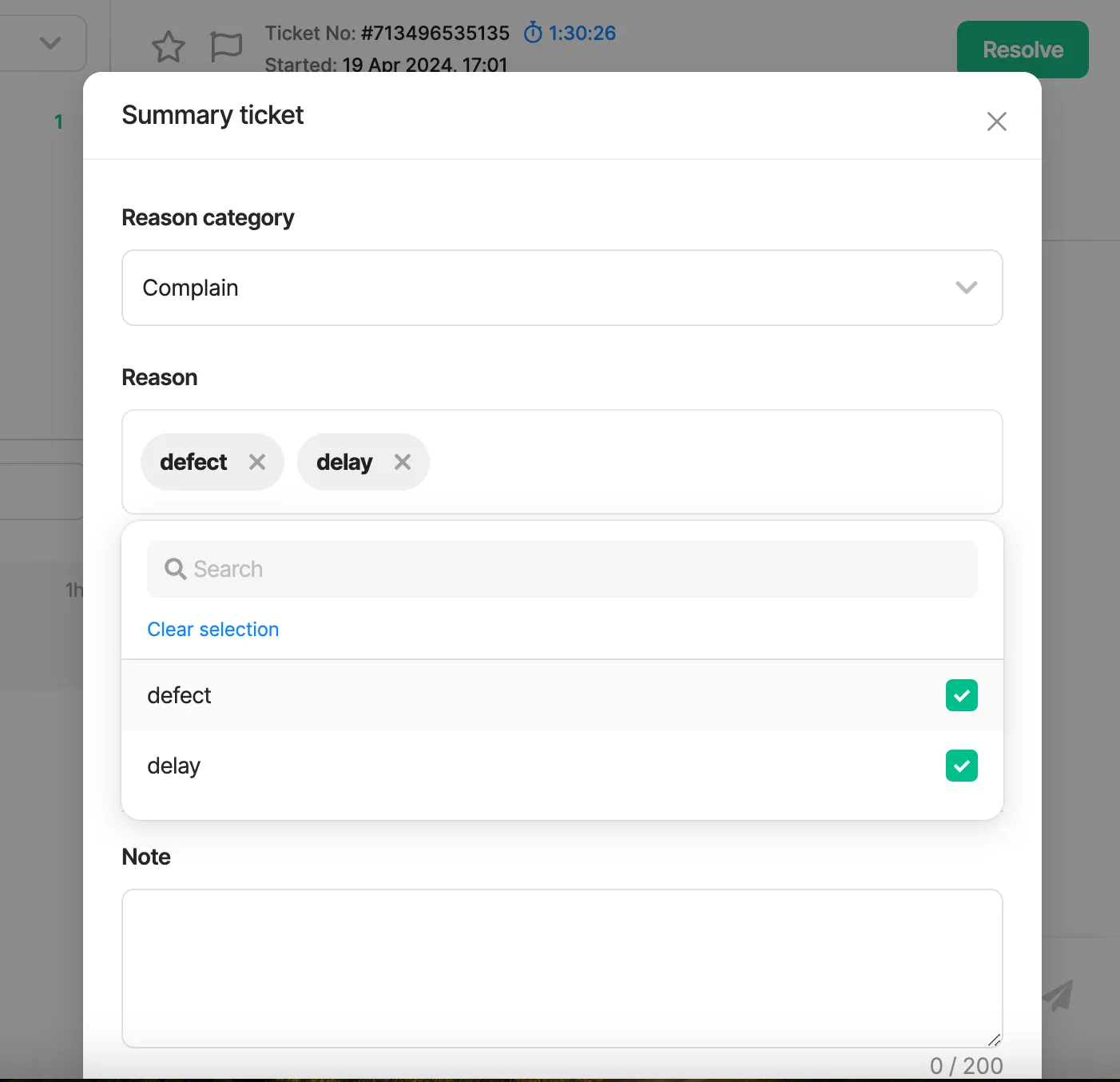
Reason
Section titled “Reason”This is the rationale behind the ticket opening; multiple choices are available.
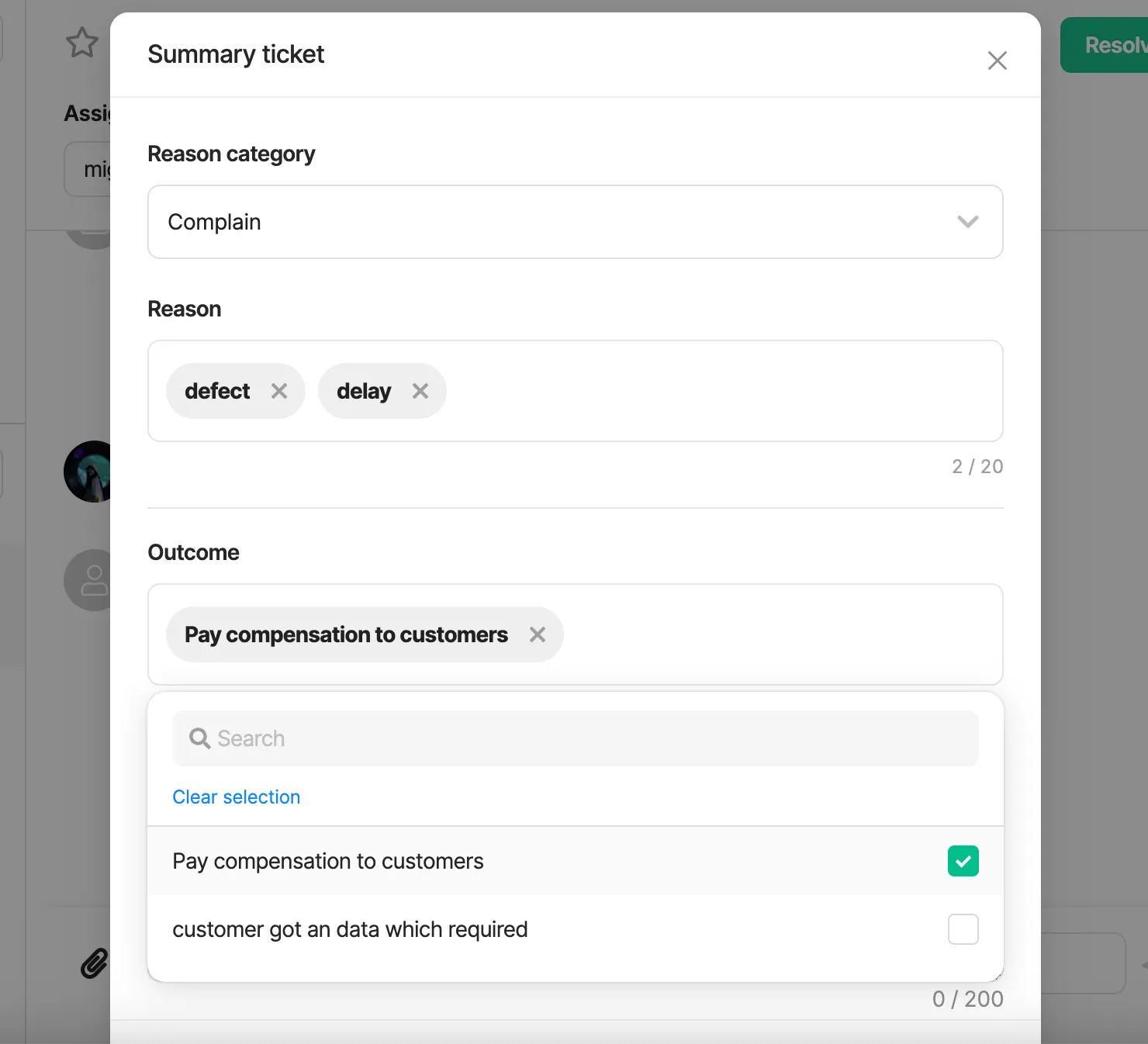
Outcome
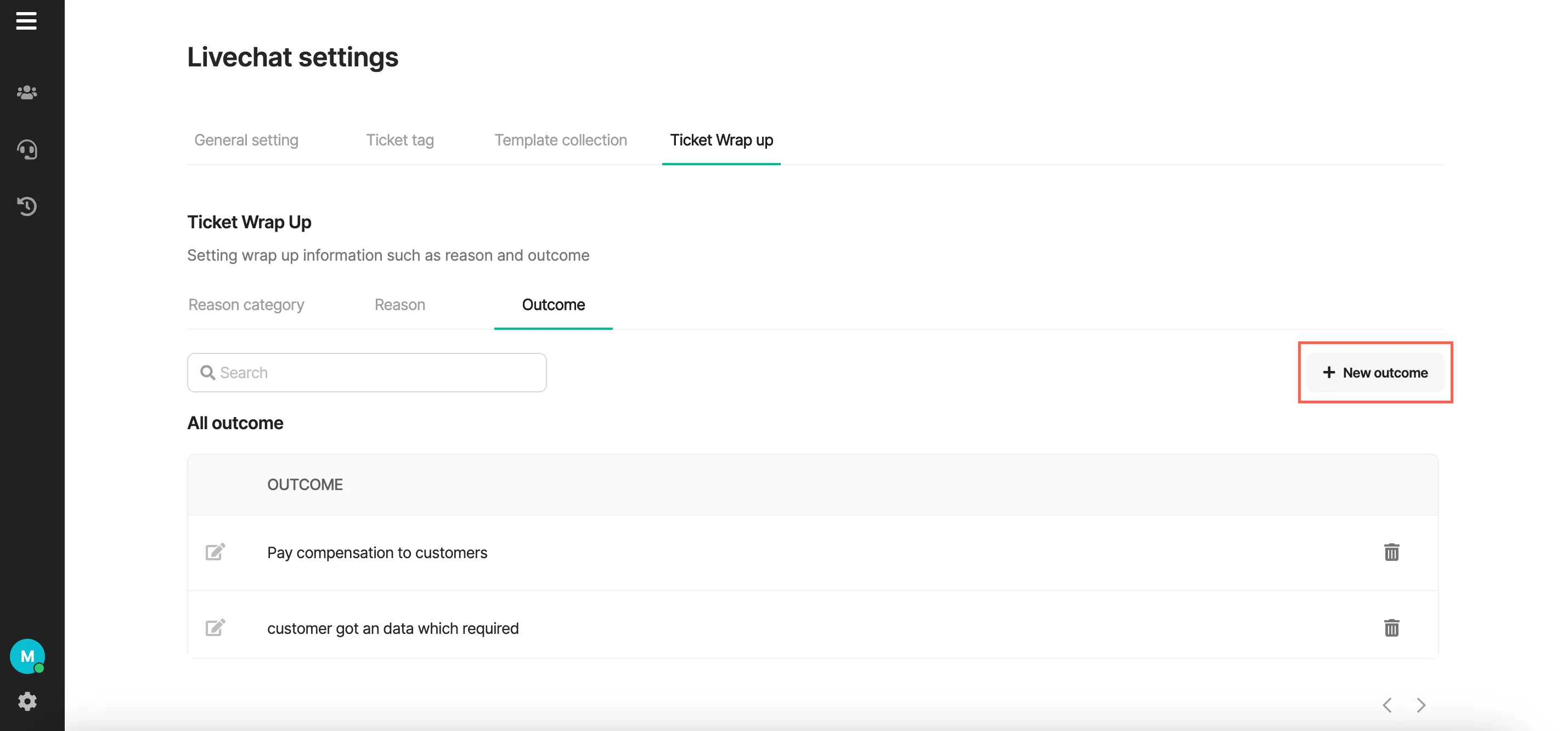
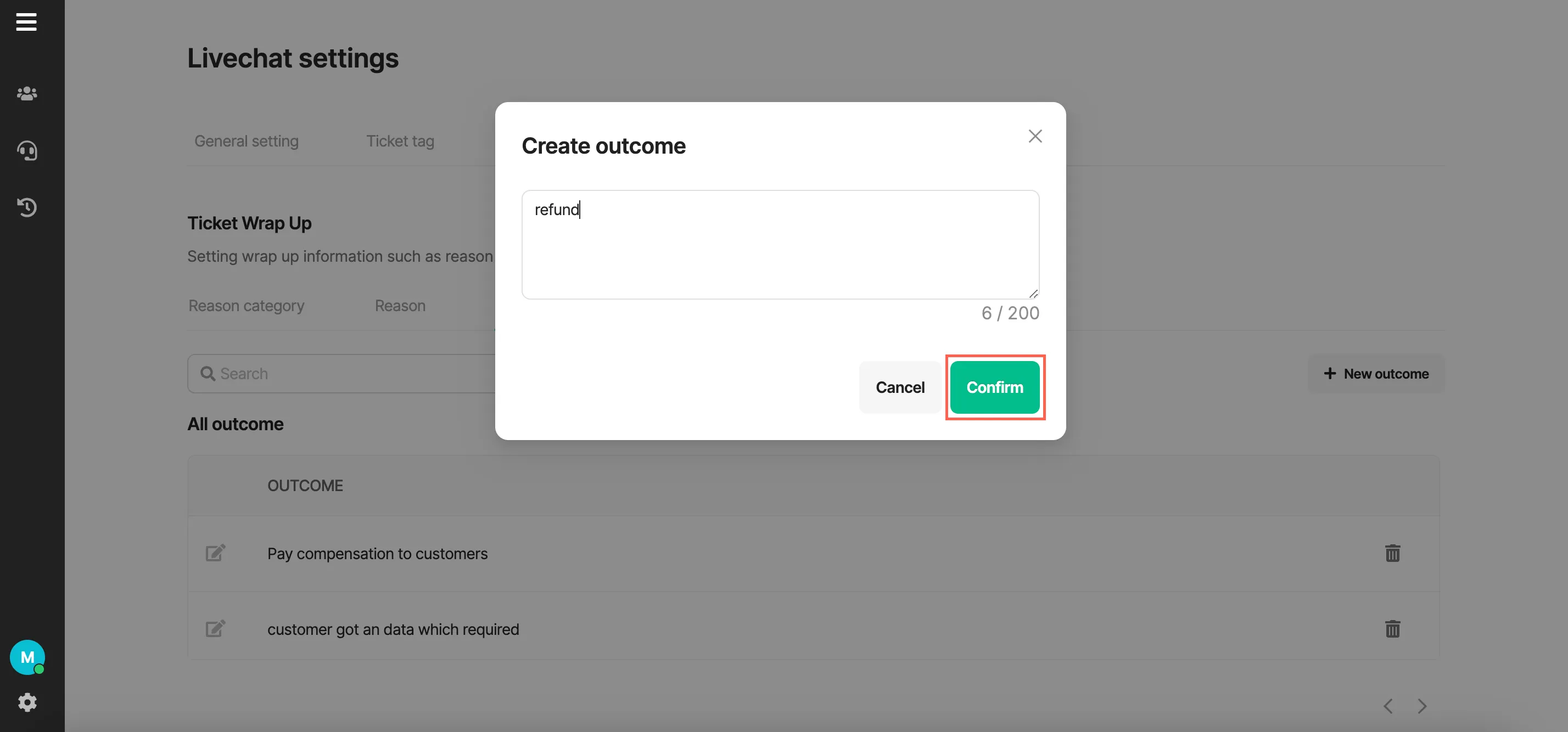
Section titled “Outcome”Describe how to resolve an issue or the outcome of a past event.
Ticket wrap up setting
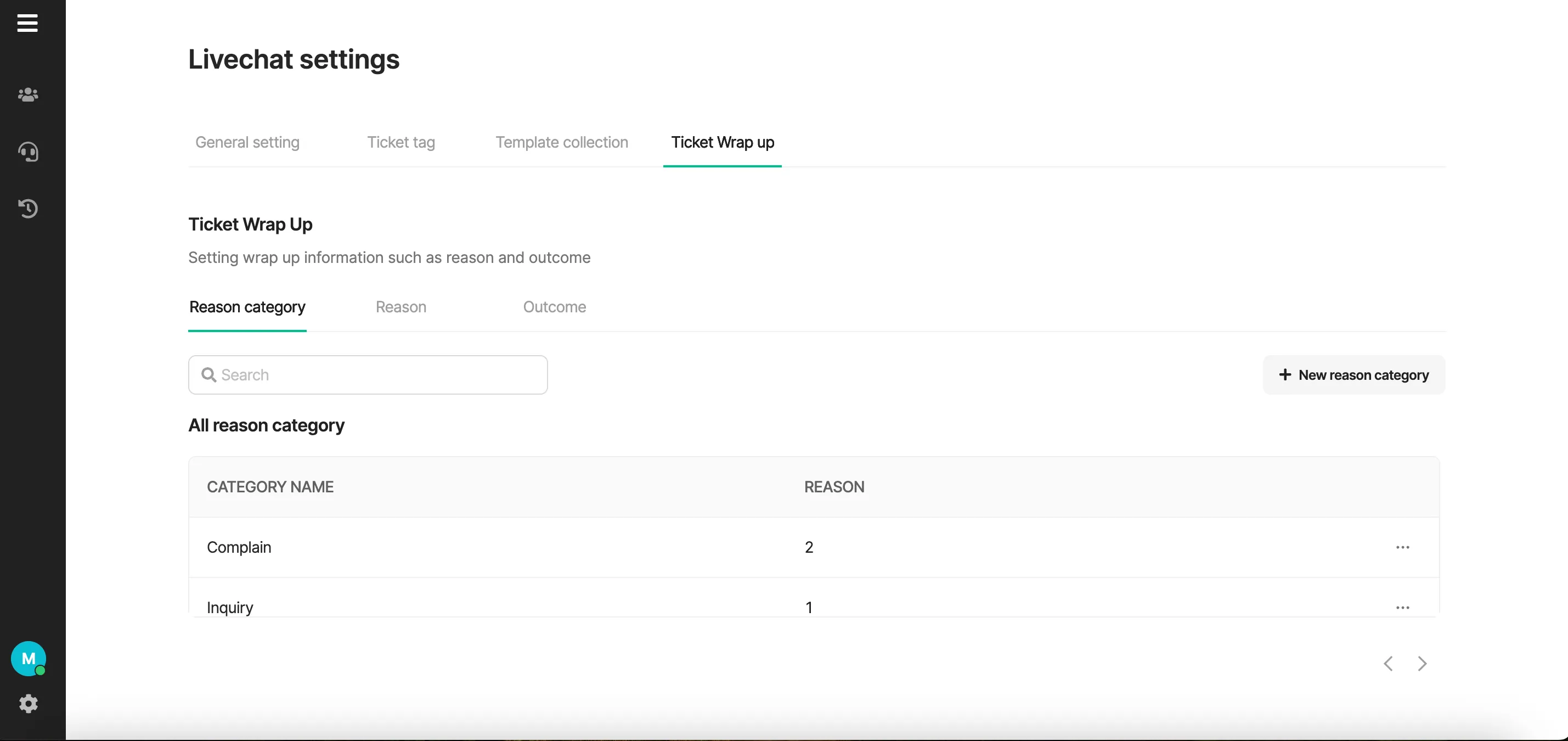
Section titled “Ticket wrap up setting”Choose the Ticket Wrap Up tab in the live chat window to configure the ticket wrap up.
- Create Reason
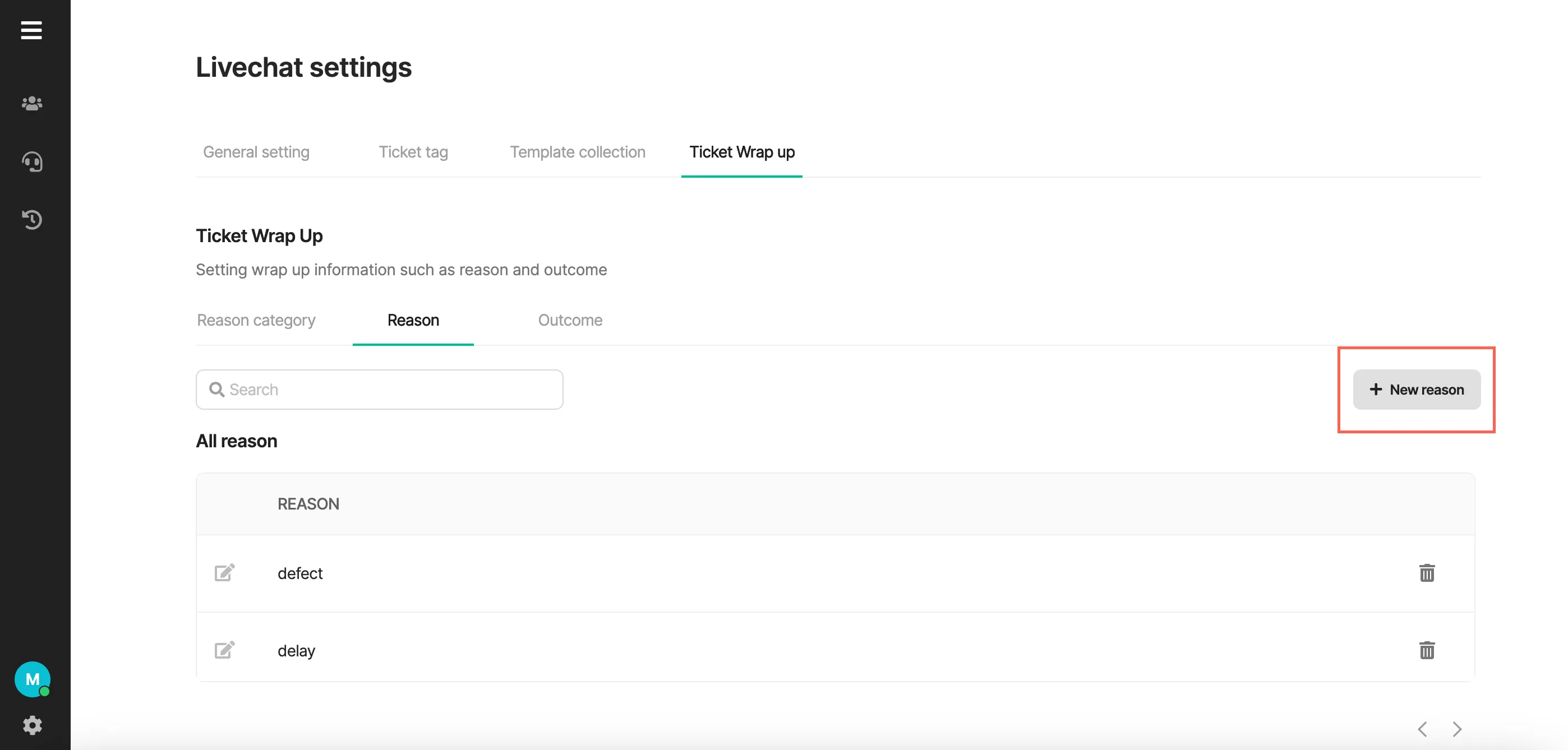
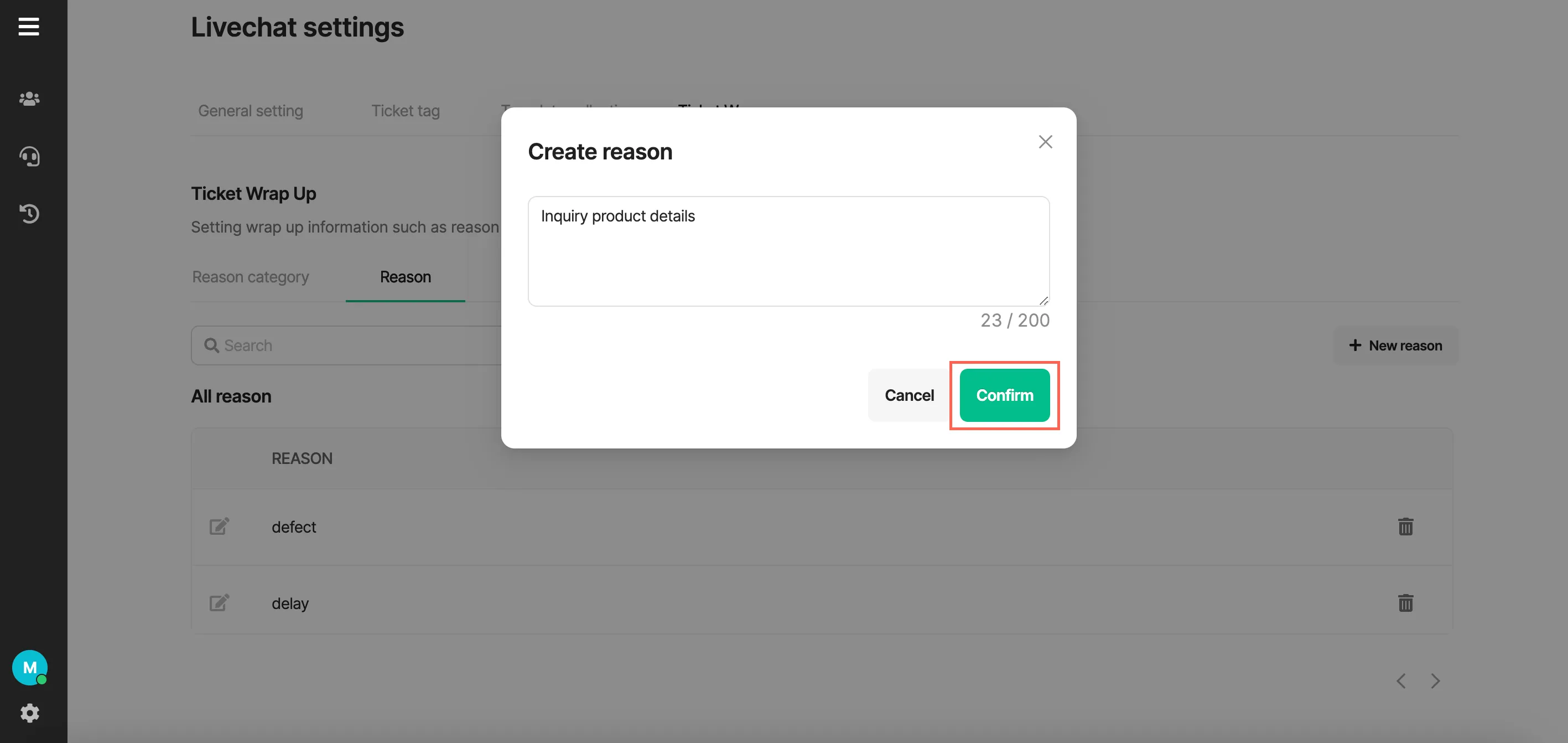
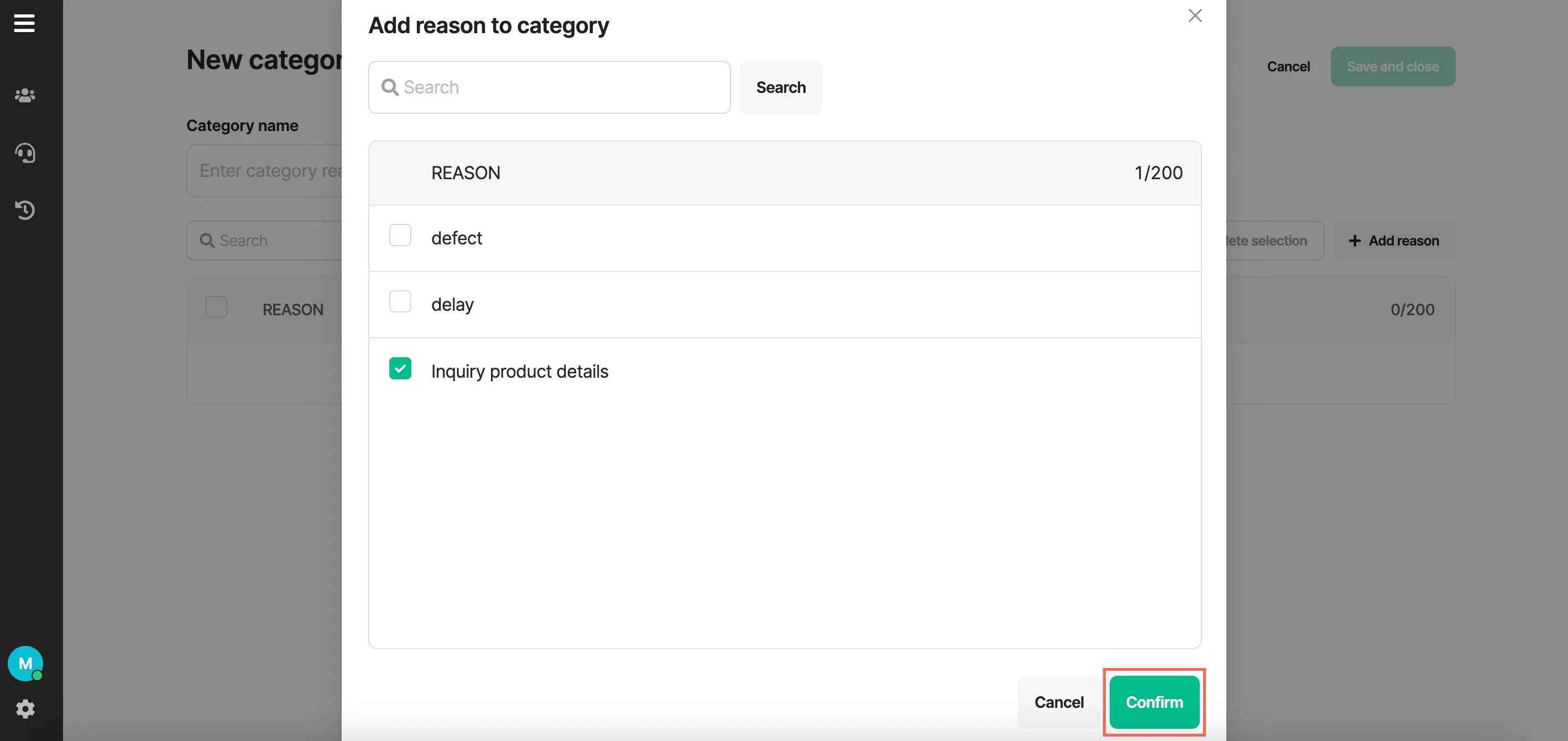
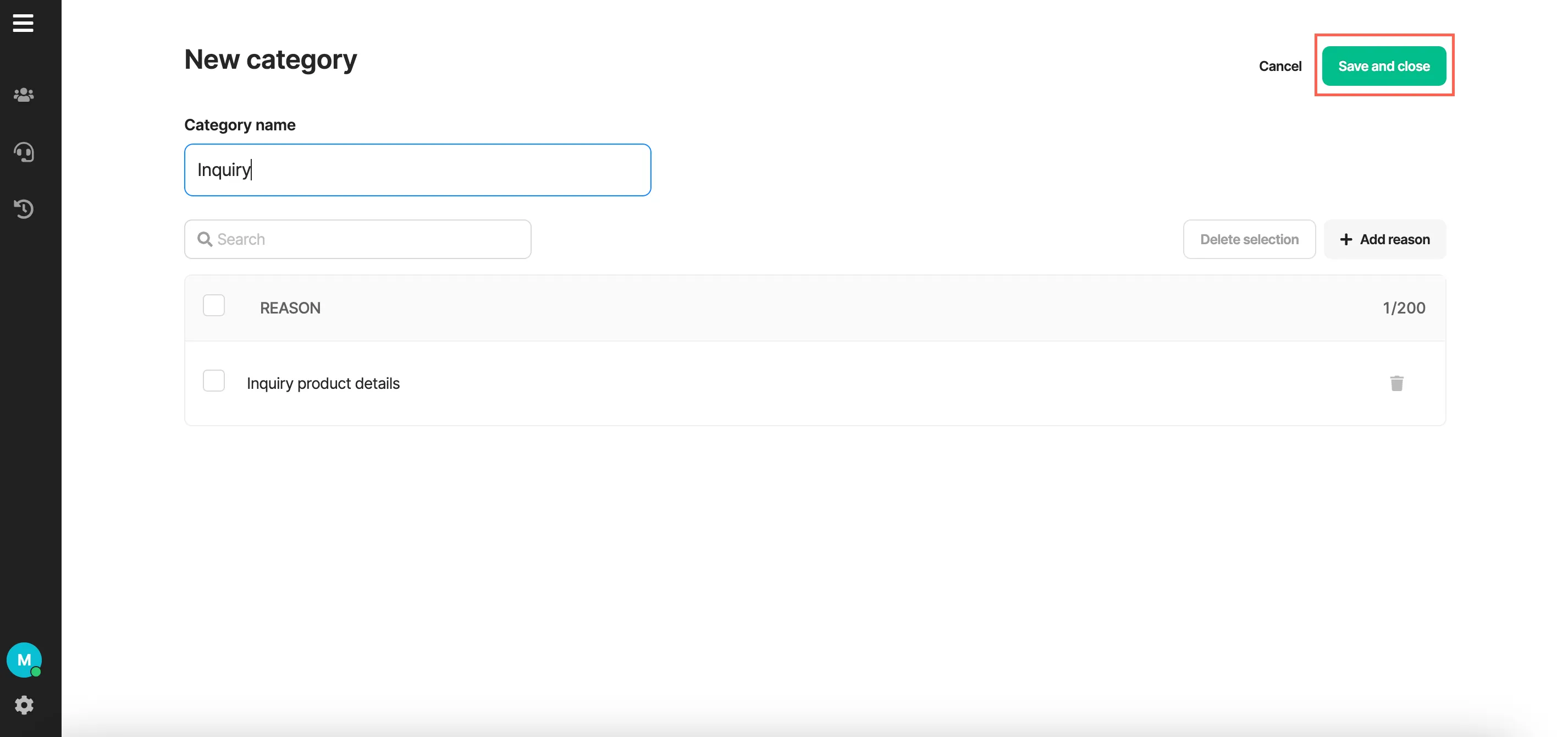
- Create Category reason
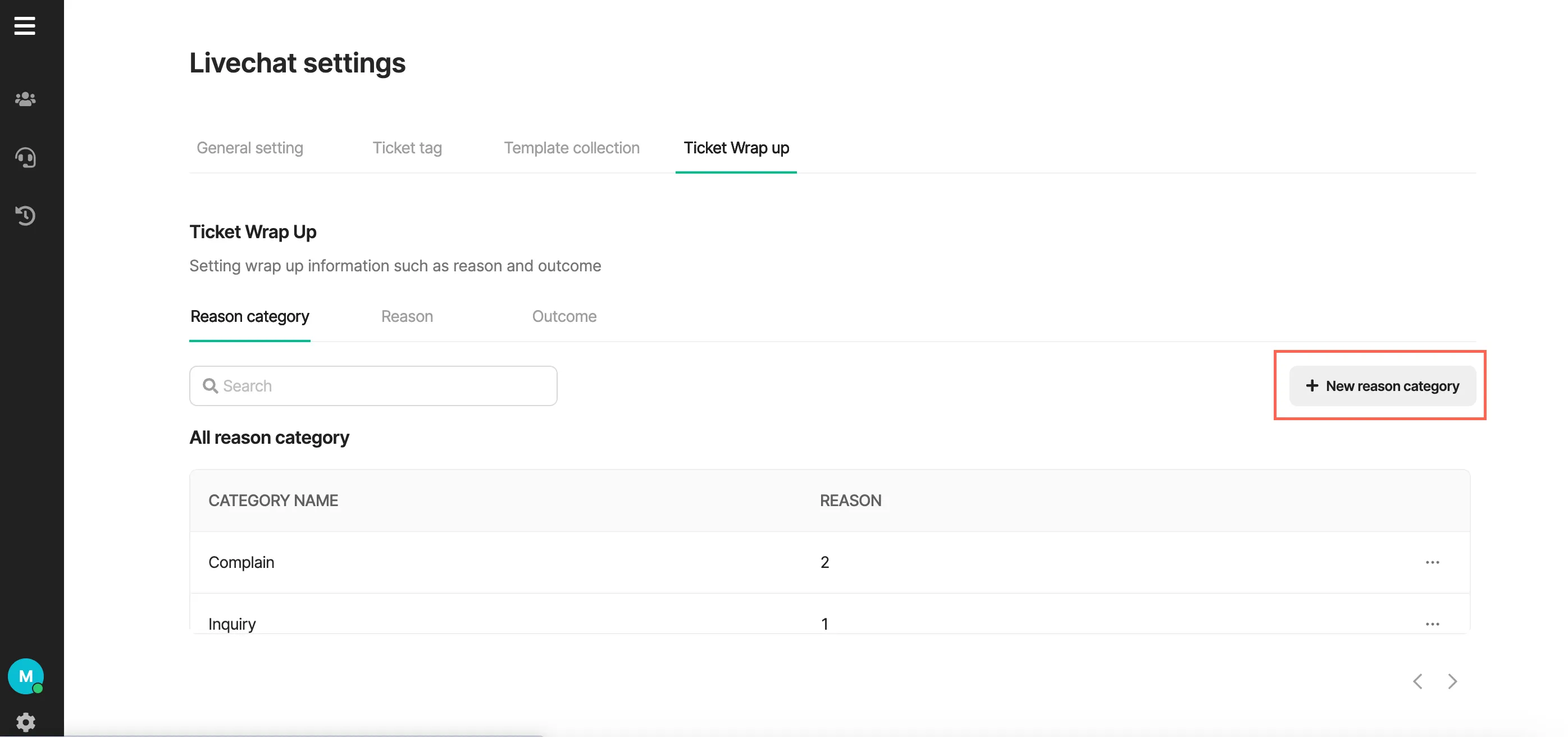
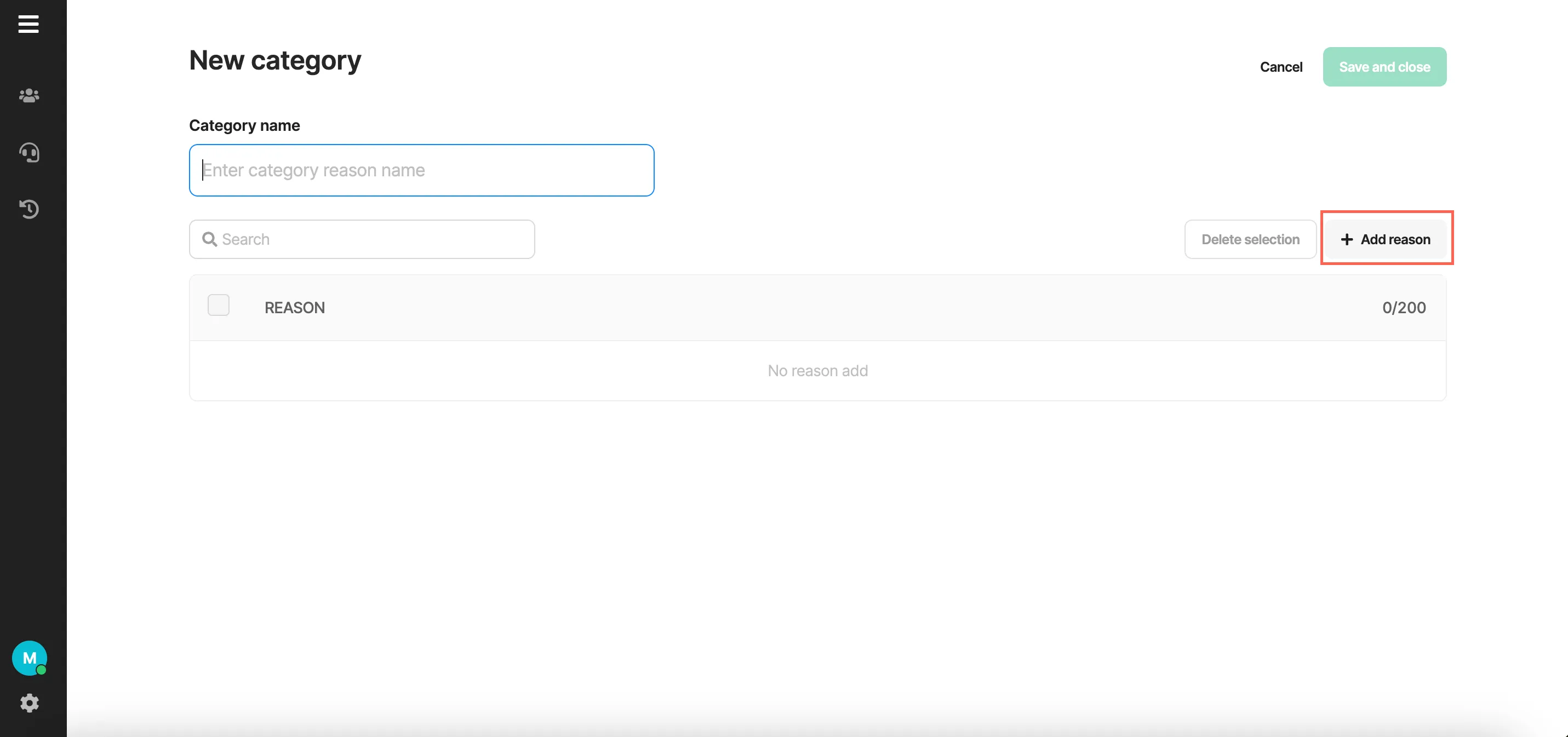
- Create Outcome
Limitations
Section titled “Limitations”| Limitations | |
|---|---|
| Category |
|
| Reason | 3-200 characters, allows THA, ENG, 0-9, special characters, and spaces |
| Outcome | 3-200 characters, allows THA, ENG, 0-9, special characters, and spaces |
Was this page helpful?
Thank you for your feedback!